
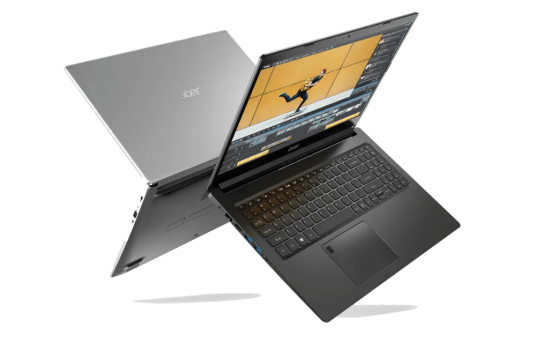
Digital art has exploded in popularity, changing how we create. A powerful laptop can help unlock your creative side. Discover the best laptops for digital art, featuring powerful processors, high-resolution displays, and seamless performance for creative professionals.. But the amount of choices can feel overwhelming. What if you get stuck with lag, or colors that don’t look right? What if you don’t have enough space? This guide simplifies things. Here’s what to look for, and some of the best laptops around.
Key Features to Consider Best Laptops for Digital Art
Picking the right laptop requires careful thought. Specs matter, but knowing why is key. Let’s explore the tech that makes a real difference.
Processor (CPU)
Think of the CPU as the laptop’s brain. It’s super important for running heavy-duty programs. Programs like Adobe Photoshop, Illustrator, and Clip Studio Paint need a strong processor. Look for multi-core processing. It lets the CPU handle many tasks at once. Clock speed also matters. It measures how fast the CPU can do things. A faster CPU means less waiting around.
Graphics Card (GPU)
A good graphics card, or GPU, is a must for digital art. It helps with making images and smooths out brush strokes. This is where a dedicated GPU shines. VRAM (Video RAM) is important too. It’s like short-term memory for the GPU. More VRAM helps with bigger projects and smoother performance.
RAM (Memory)
RAM is like your computer’s short-term memory. You need lots of digital art. At least 16GB is a good start. But 32GB is even better. More RAM means you can handle big files. You can also work with many layers at once. Plus, you can run several programs without slowing down.
Display Quality: Accuracy and Size
What good is great art if the screen can’t show it right? Color accuracy and size matter big time. They affect how you see, and make, your art.
Color Gamut and Accuracy (sRGB, Adobe RGB, DCI-P3)
Color gamut is the range of colors a screen can show. sRGB, Adobe RGB, and DCI-P3 are common standards. Adobe RGB is better for print work. DCI-P3 is often used for video. Delta E values measure color accuracy. Lower values mean colors are more true to life.
Screen Size and Resolution
Size does matter. A bigger screen lets you see more detail. High resolution makes images sharp and clear. Look for at least a 1080p (Full HD) display. But a 1440p (QHD) or 4K screen is even better. Larger screens are easier on the eyes. You can also spread out your tools and panels.
Touchscreen and Pen Support
Touchscreens and styluses add a new way to create. They let you draw right on the screen. Pressure sensitivity makes lines thicker or thinner based on how hard you press. Tilt recognition changes the brush angle as you tilt the pen. These features give you more control and a natural feel.
Storage: Speed and Capacity
Digital art files can be huge. You need enough storage space and fast speeds. Let’s look at what to consider.
SSD vs. HDD
SSDs (Solid-State Drives) are way faster than HDDs (Hard Disk Drives). SSDs load programs and files almost instantly. HDDs are cheaper but much slower. For digital art, an SSD is the way to go. The speed boost makes a big difference in your workflow.
Storage Capacity
How much storage do you really need? It depends on the size of your projects. Also, think about software and other files. A 512GB SSD should be your minimum. But 1TB or more is even better. That gives you plenty of room to grow.
Top Laptop Recommendations for Digital Artists
Here are a few laptops that stand out for digital art. They balance power, display quality, and other key features.
Model 1: MacBook Pro 16-inch (M3 Max)
The MacBook Pro 16-inch with the M3 Max chip is a powerhouse. It has amazing processing power and a stunning display. Pros: Excellent color accuracy, lots of power, and a great trackpad. Cons: It can be expensive. It’s best for artists who want top-tier performance.
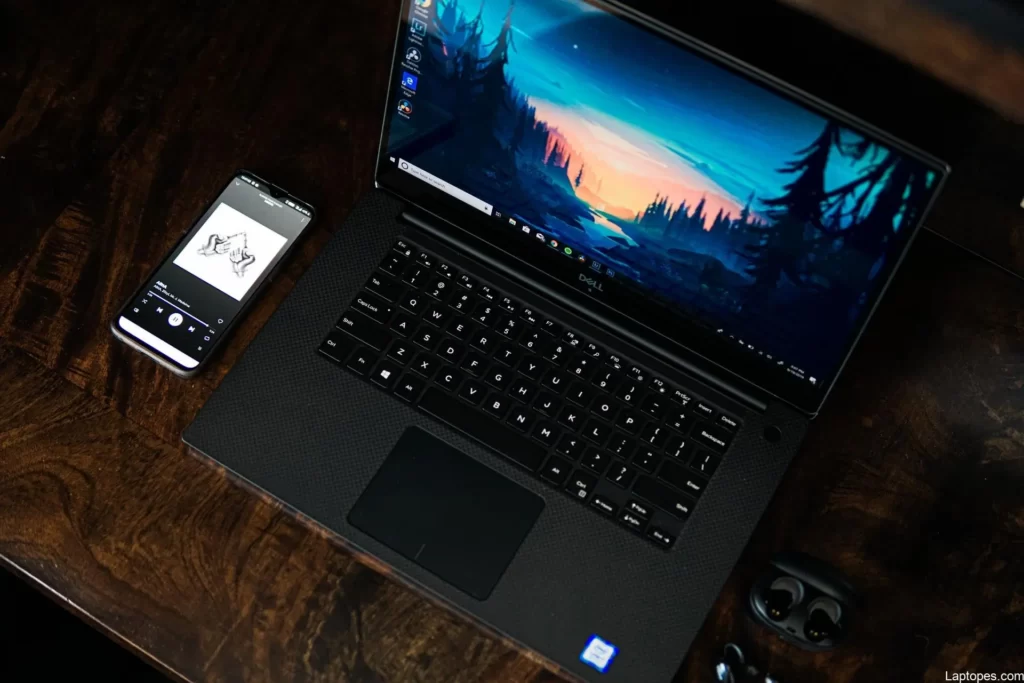
Model 2: Dell XPS 15
The Dell XPS 15 is a great all-around laptop for digital art. It’s got a strong processor, dedicated graphics, and a beautiful screen. Pros: Good balance of power and portability. Cons: Battery life could be better. It’s a good choice for artists who need a reliable workhorse.
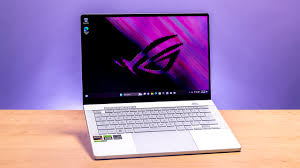
Model 3: ASUS ROG Zephyrus G14
The ASUS ROG Zephyrus G14 is a portable gaming laptop that’s also great for art. It’s got a powerful AMD processor and a dedicated NVIDIA GPU. Pros: Compact size, good performance for the price. Cons: The screen isn’t as color-accurate as some others. It suits artists who need power on the go.
Budget-Friendly Options for Aspiring Artists
Great art doesn’t have to cost a fortune. Here are a couple of more affordable laptops that can still get the job done.
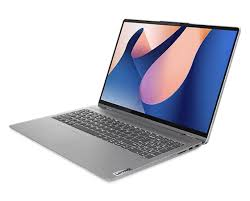
Model 1: Lenovo IdeaPad Flex 5
The Lenovo IdeaPad Flex 5 is a 2-in-1 laptop that offers great value. It has a decent processor and a touchscreen display. Pros: Affordable, versatile, and comes with a pen. Cons: Not as powerful as higher-end models. Ideal for beginners and students on a budget.
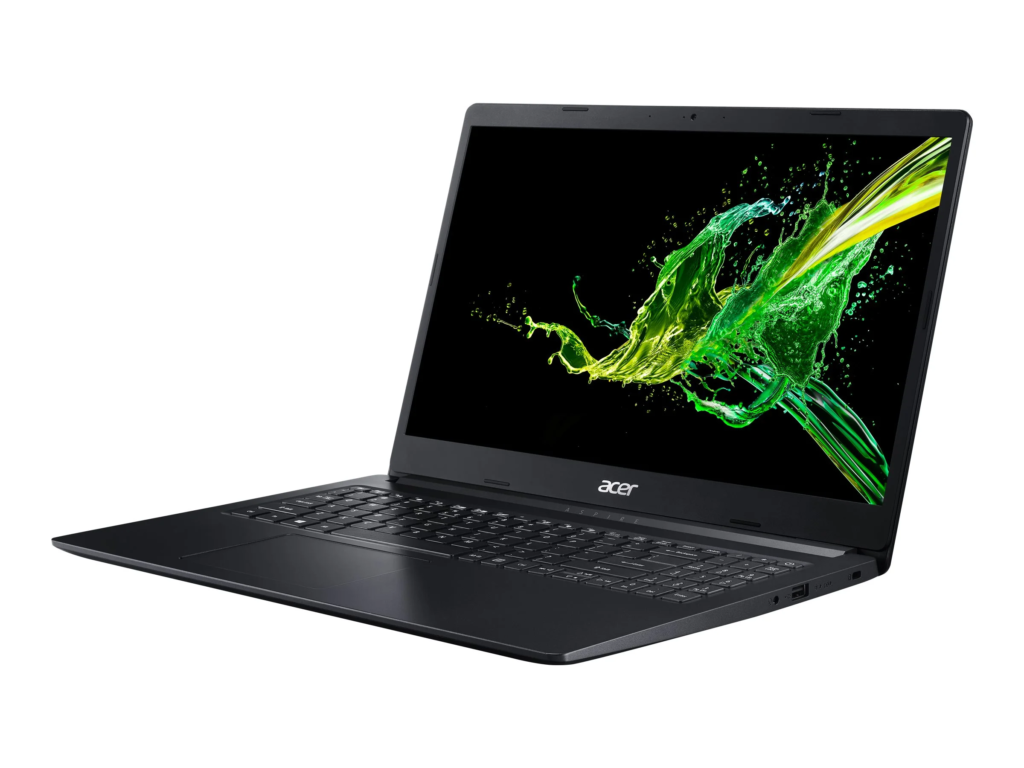
Model 2: Acer Aspire 5
The Acer Aspire 5 is a solid budget laptop for digital art. It offers a good balance of performance and price. Pros: Affordable, decent screen size, and upgradeable RAM. Cons: Integrated graphics, so not ideal for heavy-duty tasks. It suits artists who need a reliable machine for basic work.
Conclusion
Choosing the best laptop for digital art is about finding the right balance. CPU, GPU, RAM, display, and storage all play important roles. Think about what matters most to you. Look at the recommended models, and read what other users say. With the right tools, your creative potential has no limits.